Split View Bookmarklet
Have you ever opened bearblog discover page and clicking the links back and forth to read the posts? Yes some browsers now offer Split Screen views, but only Chrome that works as expected, clicking a link on left view will open the content on the right view. Since I don't use Chrome as my daily driver, I asked Claude to create this Split View bookmarklet to use on other browsers.
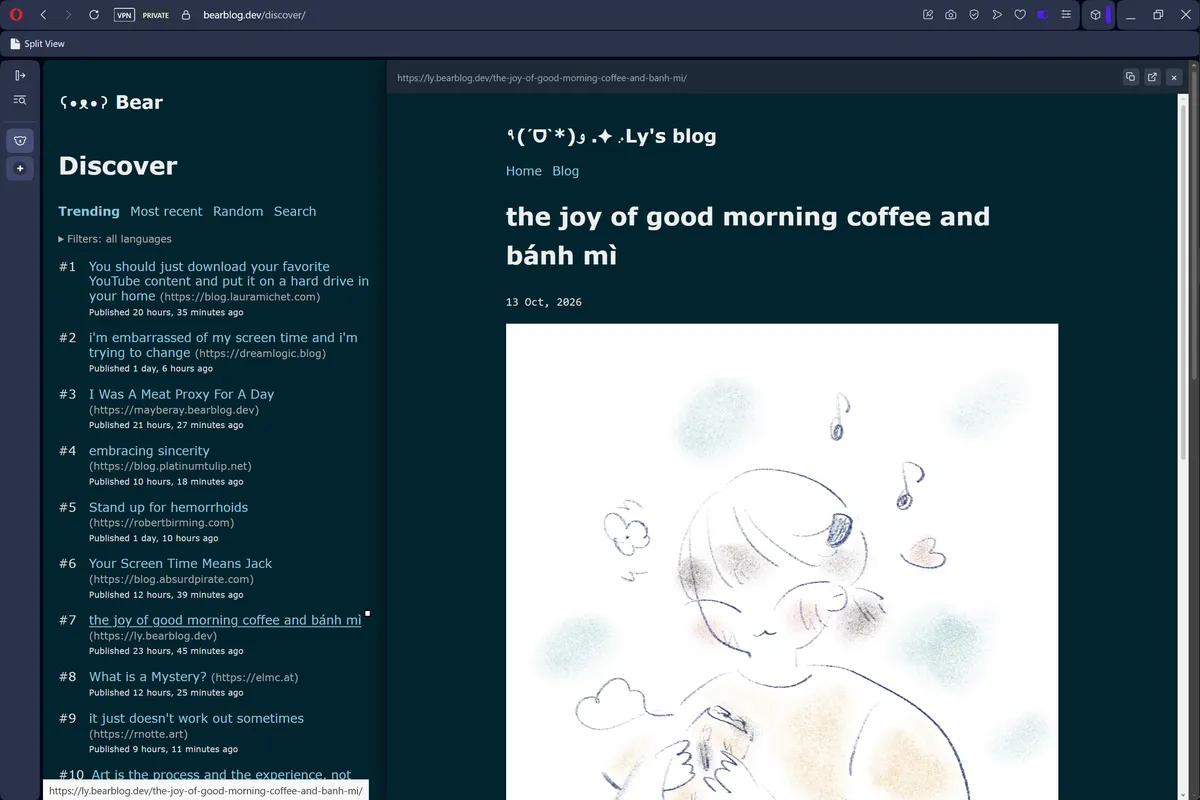
Steps:
- Show your bookmarks bar (Ctrl/Cmd+Shift+B in most browsers).
- Drag the button above onto the bookmark bar.
- On any page, click the bookmark to split the view
- Click any link on the left view to open it on the right panel.
Note: Because this runs directly in the page you're on (not through a proxy), sites that block framing (X-Frame-Options / CSP frame-ancestors) will show blank in the panel — there's no server here to work around that. Links clicked inside the panel navigate the panel itself, same as any iframe.